Personal
Daily browser start page
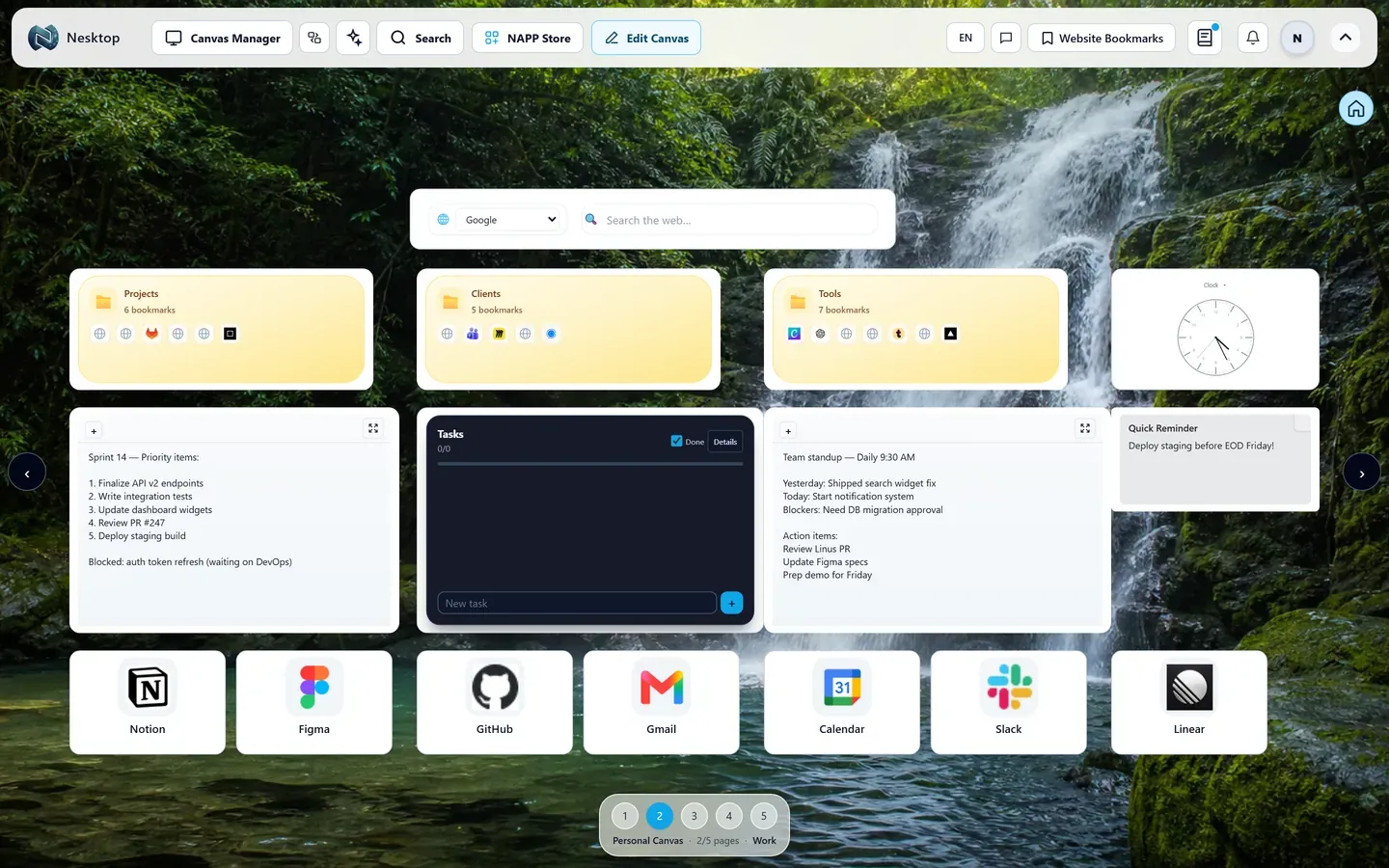
Put the links, searches, folders, and notes you open every day on one visual desktop.
See the workflow →Use it as your start page, new tab page, or home page; bring your web apps, widgets, layouts, and links into one visual workspace.
Start with a routine you already have
Personal
Put the links, searches, folders, and notes you open every day on one visual desktop.
See the workflow →Start with a ready NESKTOP layout
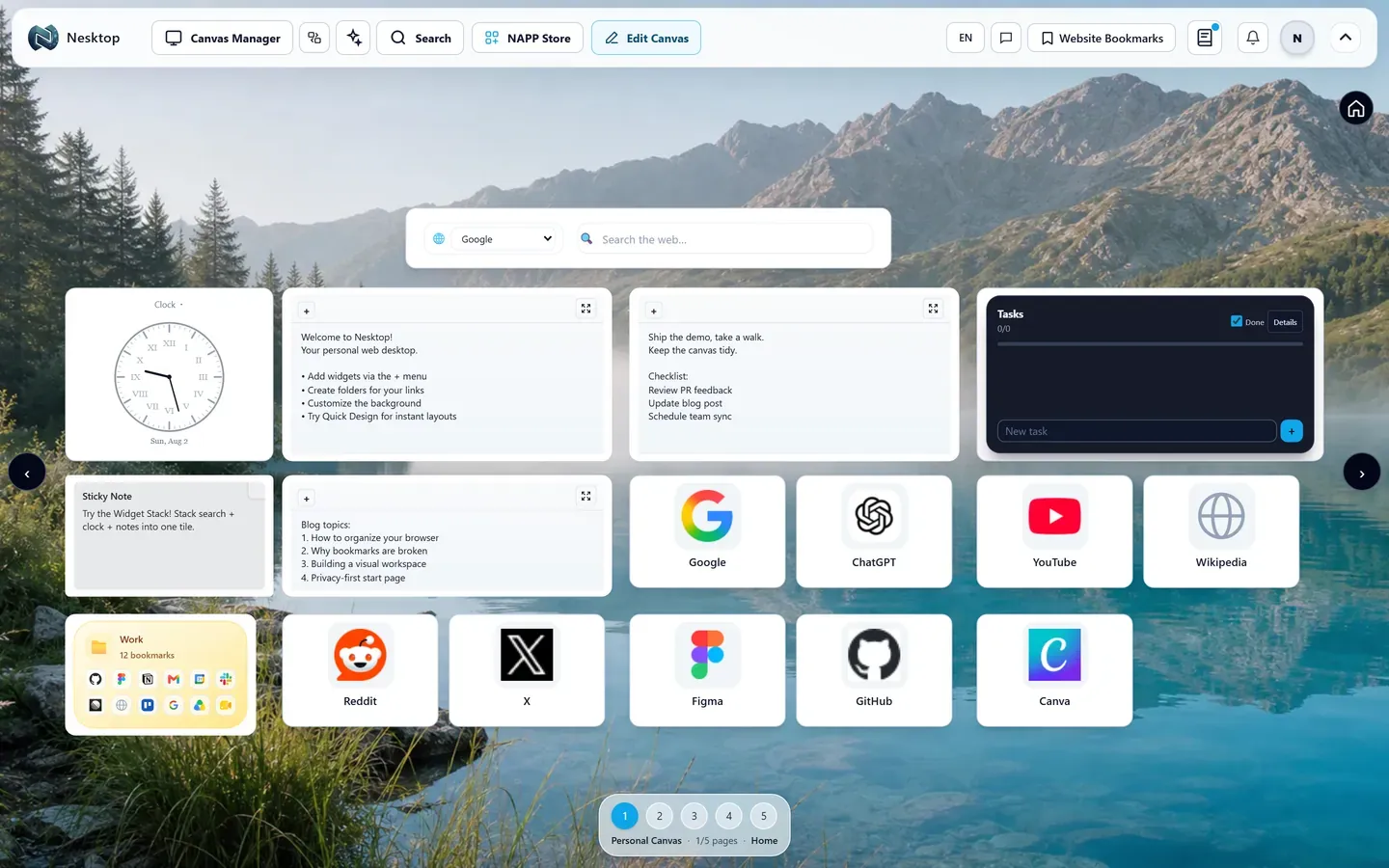
Arrange bookmarks, folders, search, notes, widgets, and separate pages around your own routine.
Continue →Scroll over the focused card to browse. Move outside the card to continue down the page.Swipe sideways on the focused card. Swipe vertically to move through the page.
NESKTOP keeps personal work private by default, stores a one-way password hash instead of a readable password, and gives you clear sharing and account controls.
Personal work is not public. Team access requires membership and publishing is a separate explicit action.
NESKTOP stores a password hash, not a readable copy of the original password.
Supported integrations use OAuth. Widgets keep a connection reference while encrypted credentials remain server-side.
Inspect connections, revoke access, export account data and remove published content with available account controls.
Available now
Keep daily links, search, notes, folders, web apps, widgets, and separate desktop and mobile layouts on a canvas shaped around each routine.
Keep daily browsing, study, projects, or client work apart instead of mixing every link on one surface.
Continue →Browse indexed web apps with product details, verified source information, categories, ratings, comments, and moderated user reviews before opening or adding them.
Continue →Organize repeated links, web apps, and separate project layouts; invite members, assign role-based canvases, and keep ownership clear as the organization grows.
Continue →Personal work stays private, team access is invitation-based, and publishing is always an explicit action.
Continue →Download or install only the Nesktop products currently enabled by administrators.
Continue →Guest layouts stay in the browser. Account data is sent only to provide signed-in features and synchronization. Team membership requires an invitation decision, while public pages use sanitized read-only snapshots.
Continue →Desktop and mobile layouts
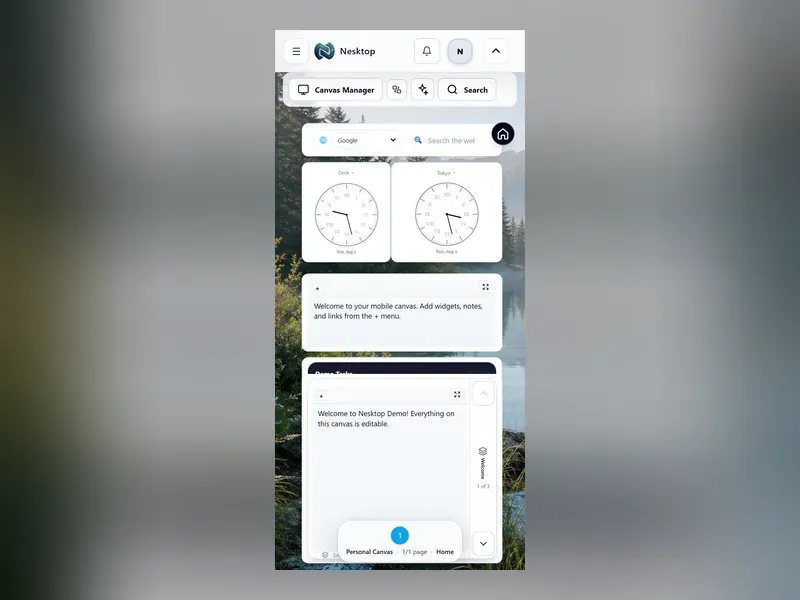
Signed-in content stays available across devices. Arrange desktop and mobile canvases independently, while responsive canvas geometry scales from compact laptop windows to large browser-enabled displays.
Large-display access uses the NESKTOP web app in a compatible browser; this is not a claim of a dedicated TV application.
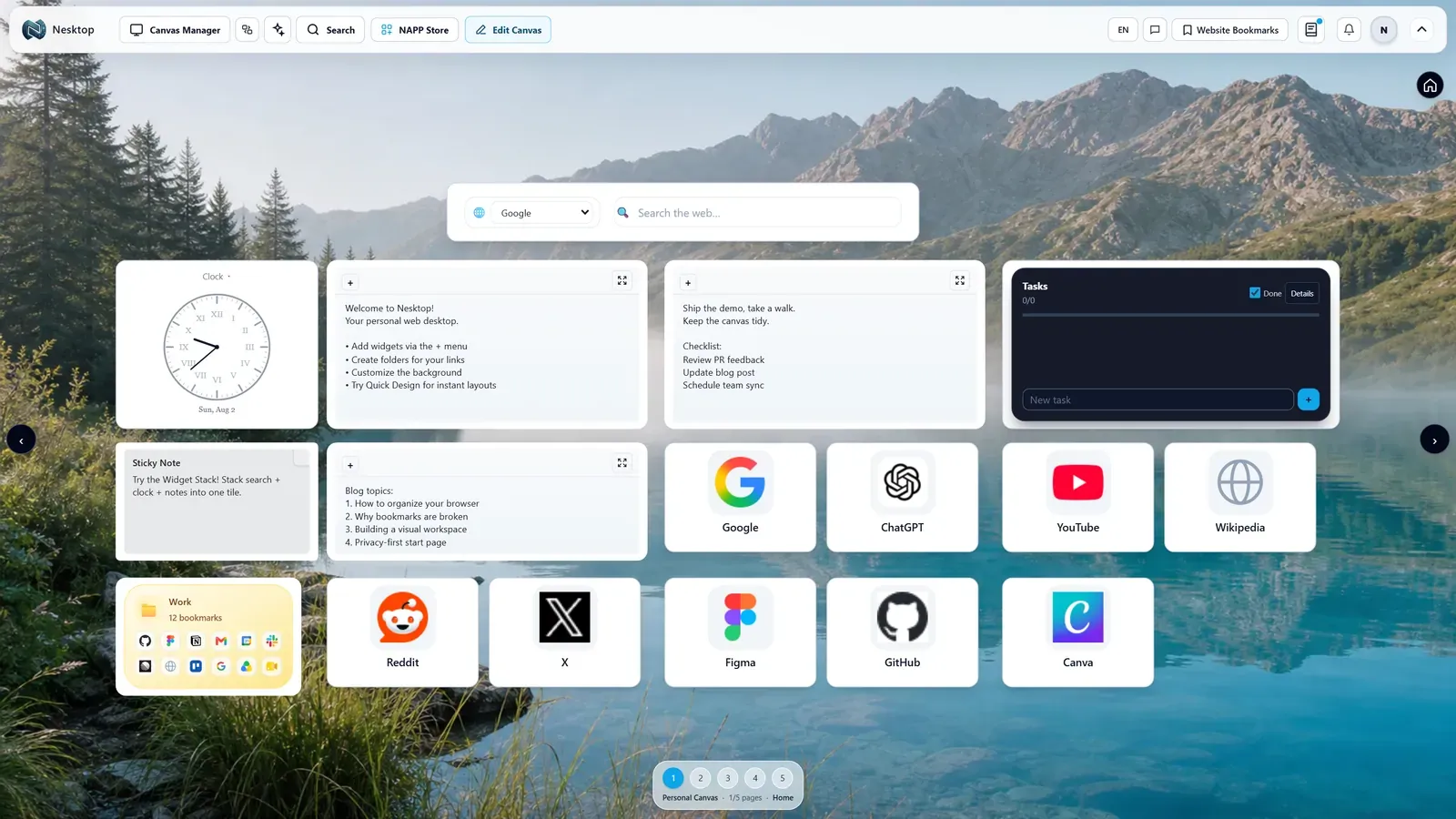
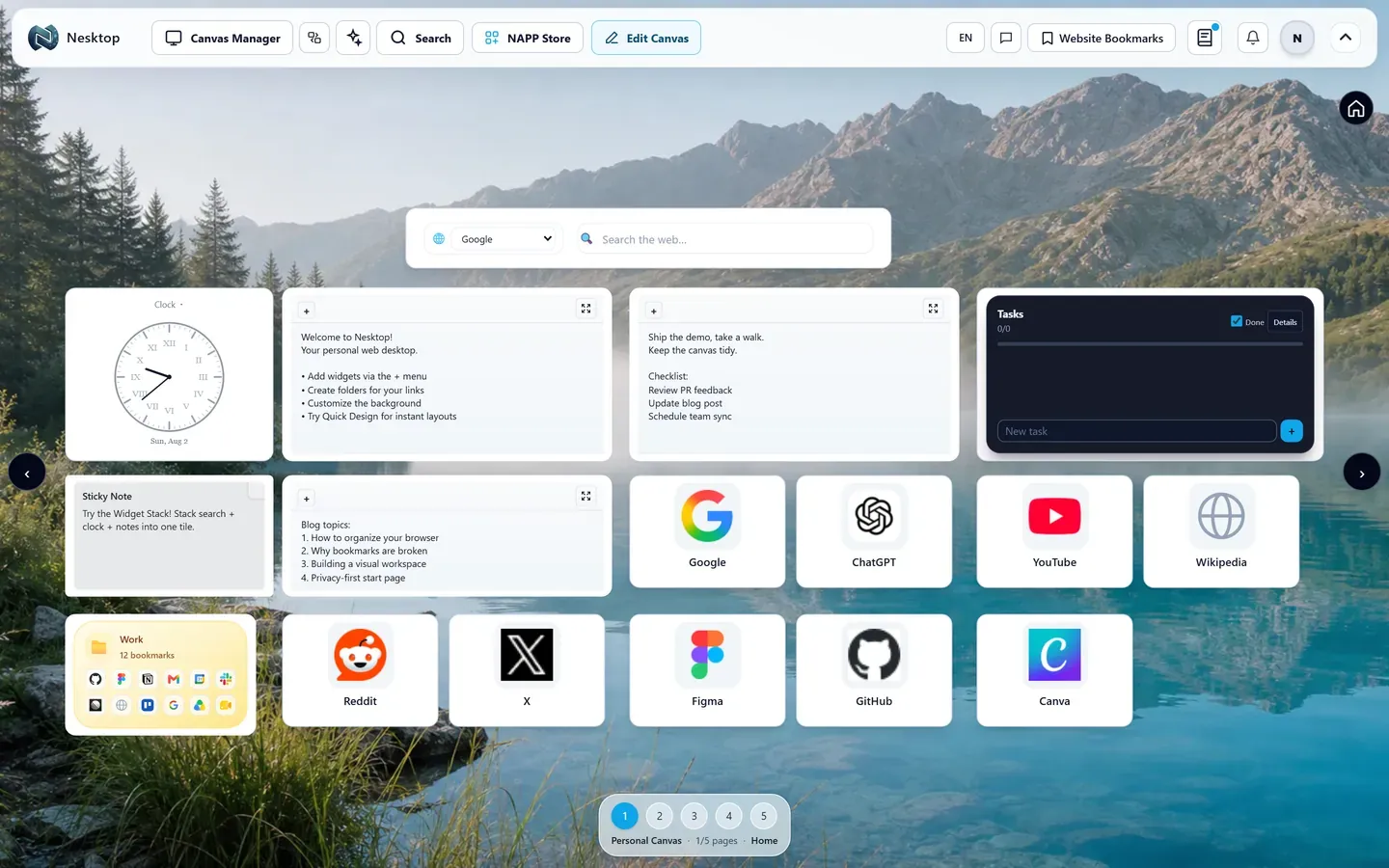
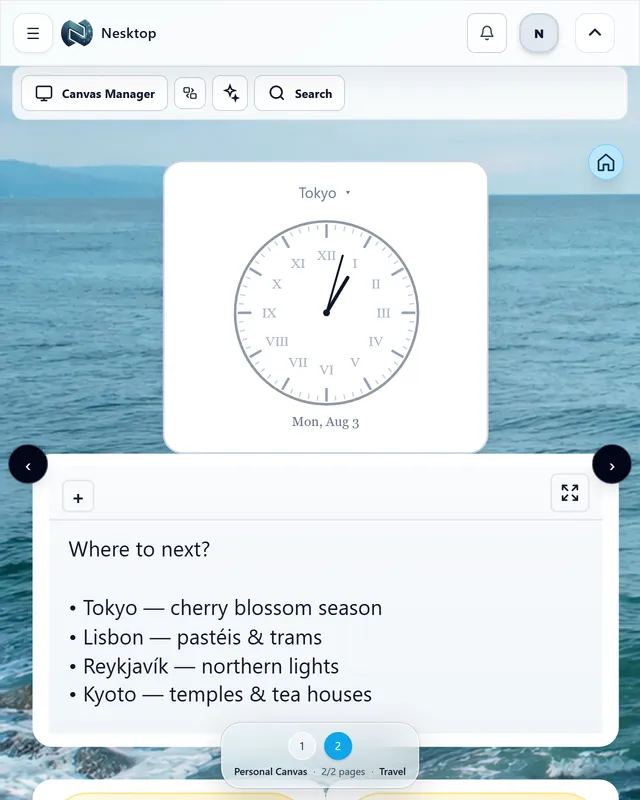
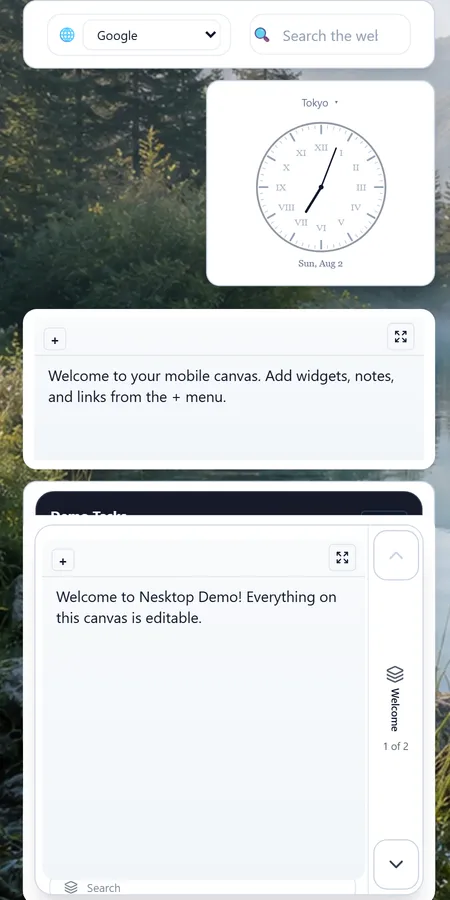
Place active bookmarks and folders on a visual desktop instead of searching through deep menus.
Add search and short notes beside the tools you use, then save the layout for later.
Use different pages and presets for daily browsing, study, research, projects, or freelance work.
Browse indexed web apps with product details, verified source information, categories, ratings, comments, and moderated user reviews before opening or adding them.
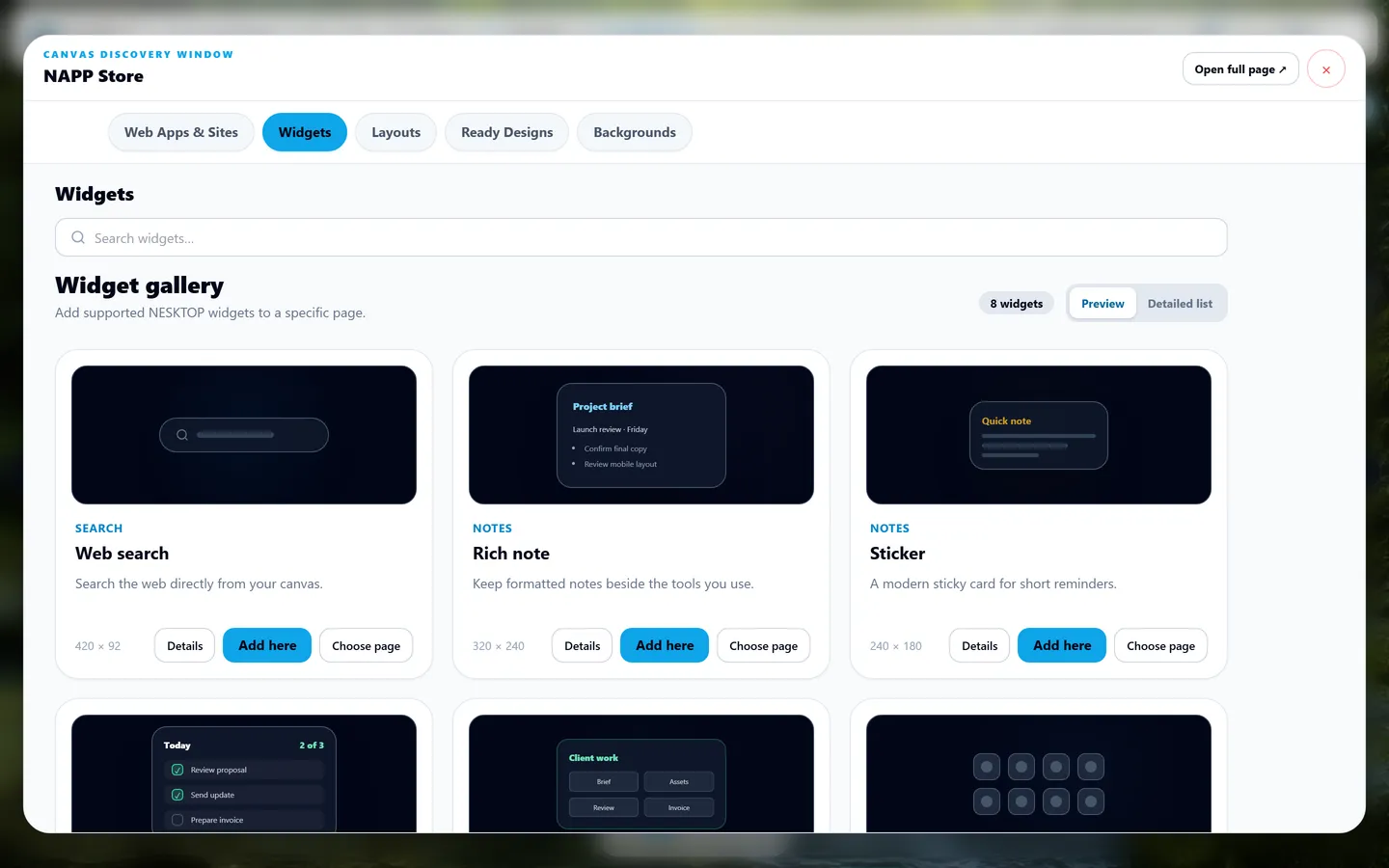
Continue →Discover native and connector widgets for search, notes, folders, clocks, recommendations, calendars, tasks, boards, and other supported workflows.
Continue →Save your own canvases as layouts or apply starter presets. Keep separate pages for each workflow.
Continue →Personal work stays private, team access is invitation-based, and publishing is always an explicit action.
Personal
Arrange bookmarks, folders, search, notes, widgets, and separate pages around your own routine.
Try guest canvas →Start without risk
Try guest mode without an account, create a free account to sync, or compare paid personal and business options when you need additional sharing and team capabilities.
Guides, use cases, and tips for your NESKTOP desktop.

Comparing the top new tab page extensions for productivity — from visual desktops to minimal dashboards — and helping you pick the right one for your workflow.

Learn how to move from a cluttered bookmark bar to a visual desktop — arranging your links spatially across multiple pages for work, study, and personal browsing.
Apply a preset, replace the sample links, and decide whether Nesktop fits your daily browser routine.